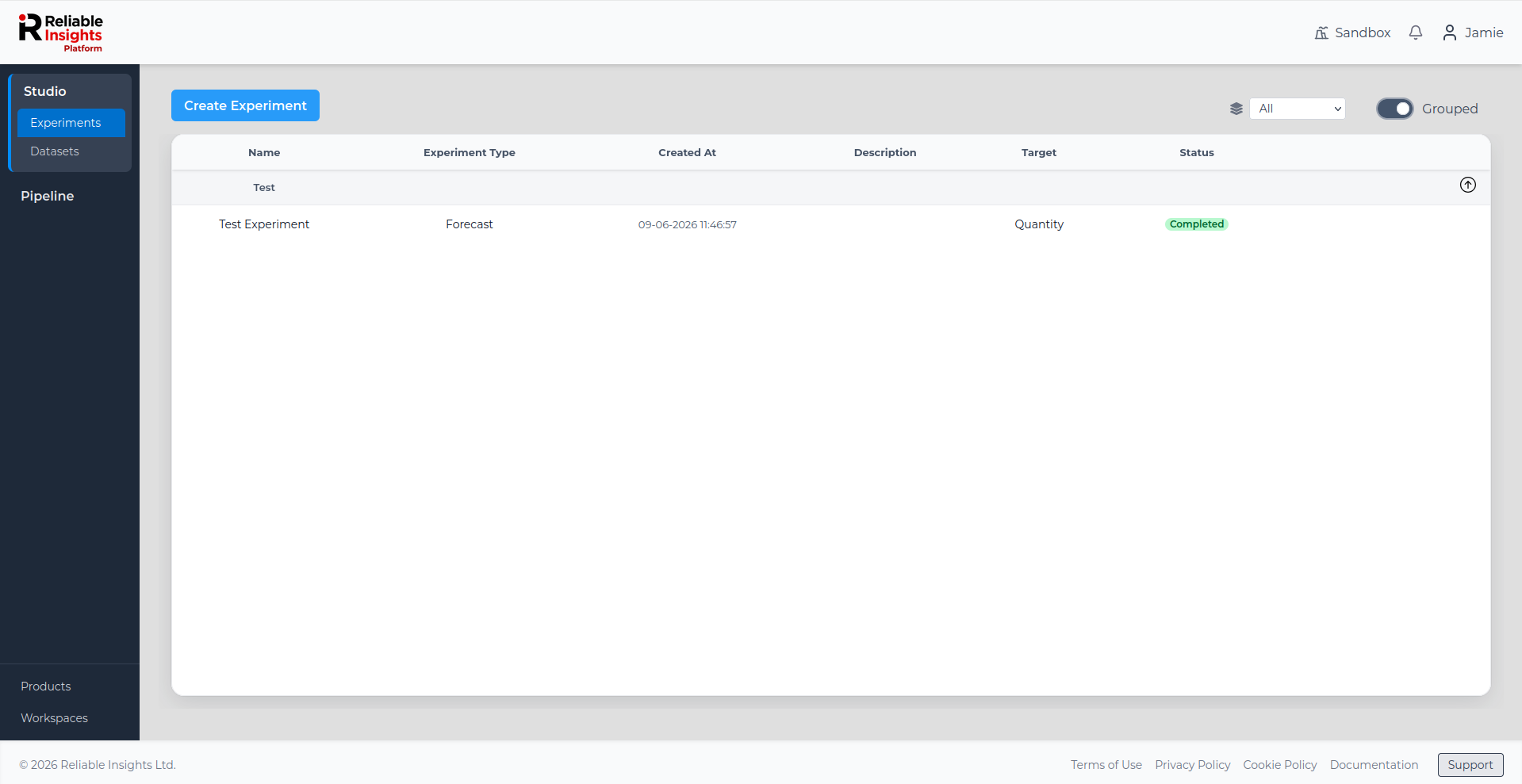
Experiments
The Sandbox workspace allows you to create experiments using the pre-loaded example datasets. Experiments are where you select a dataset, choose an experiment type, configure target and predictor columns, and start the modelling process.
The Sandbox is designed to help you practise the experiment workflow at no cost, using example data, before running experiments on your own workspace data.
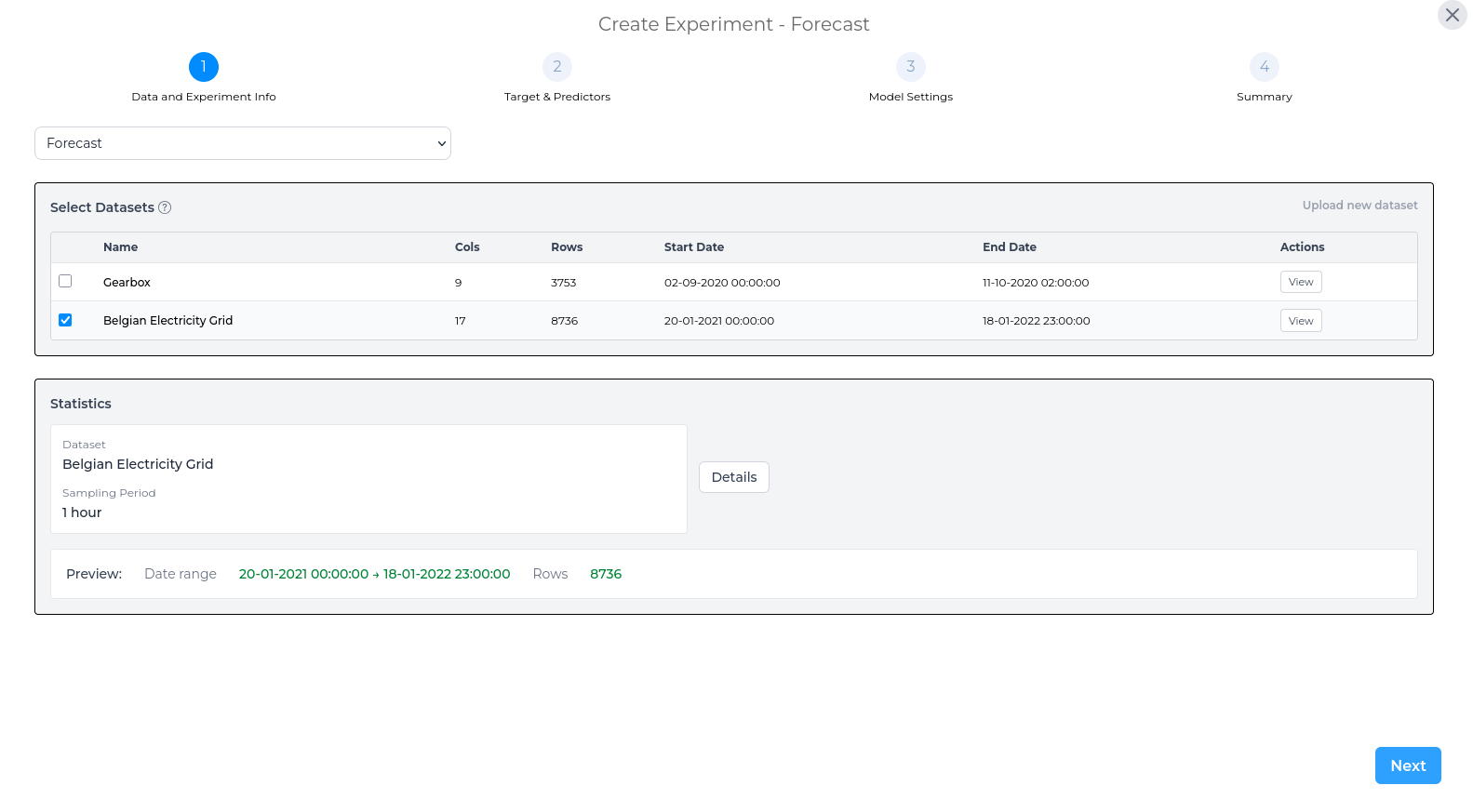
Select an Experiment Type and Dataset
After selecting Create Experiment from the Experiments page, choose the experiment type you want to run and select the dataset you want to use.
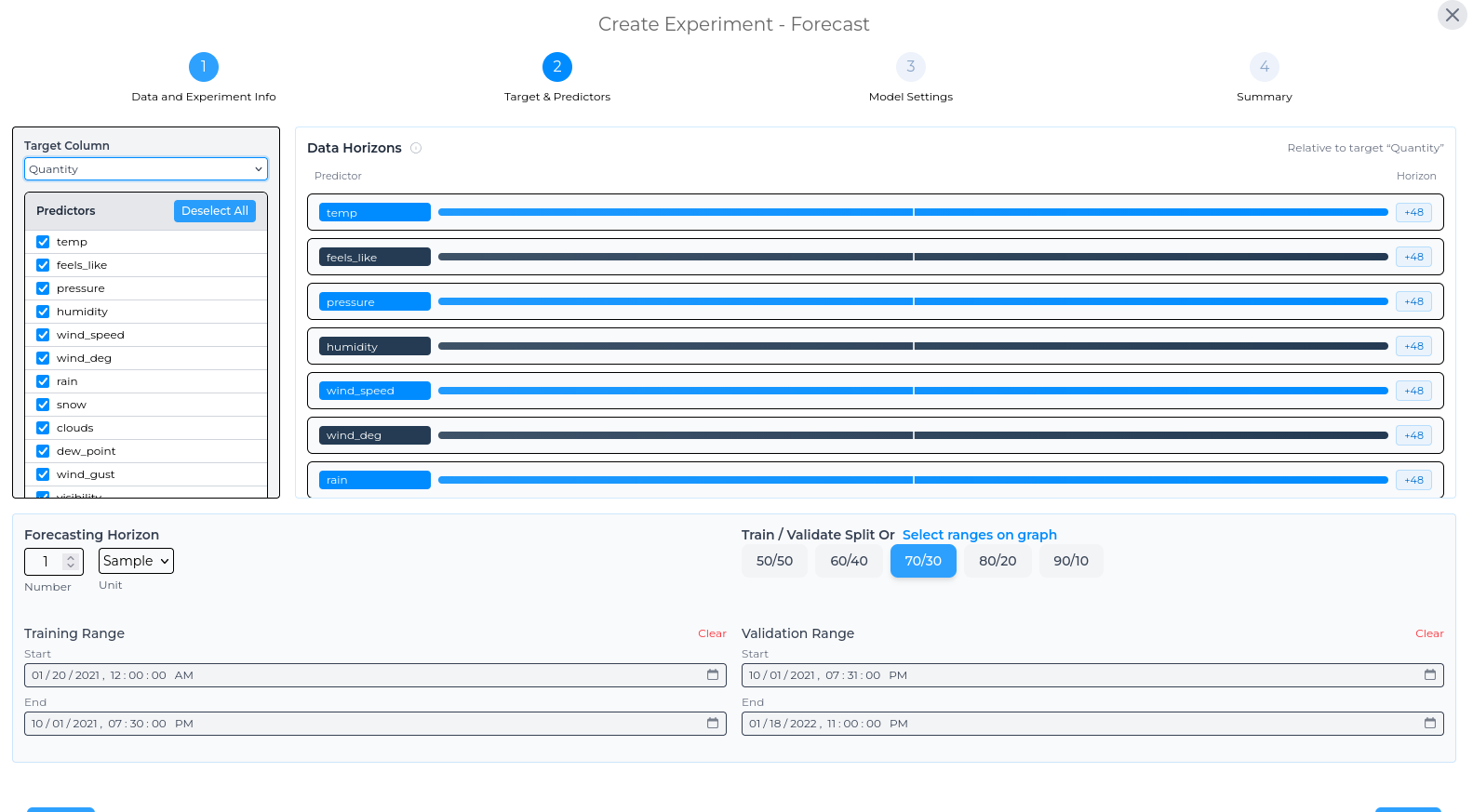
Set Target and Predictors
Next, select the target column or KPI for the experiment, depending on the experiment type. You can then choose the predictor columns and set the training and validation split.
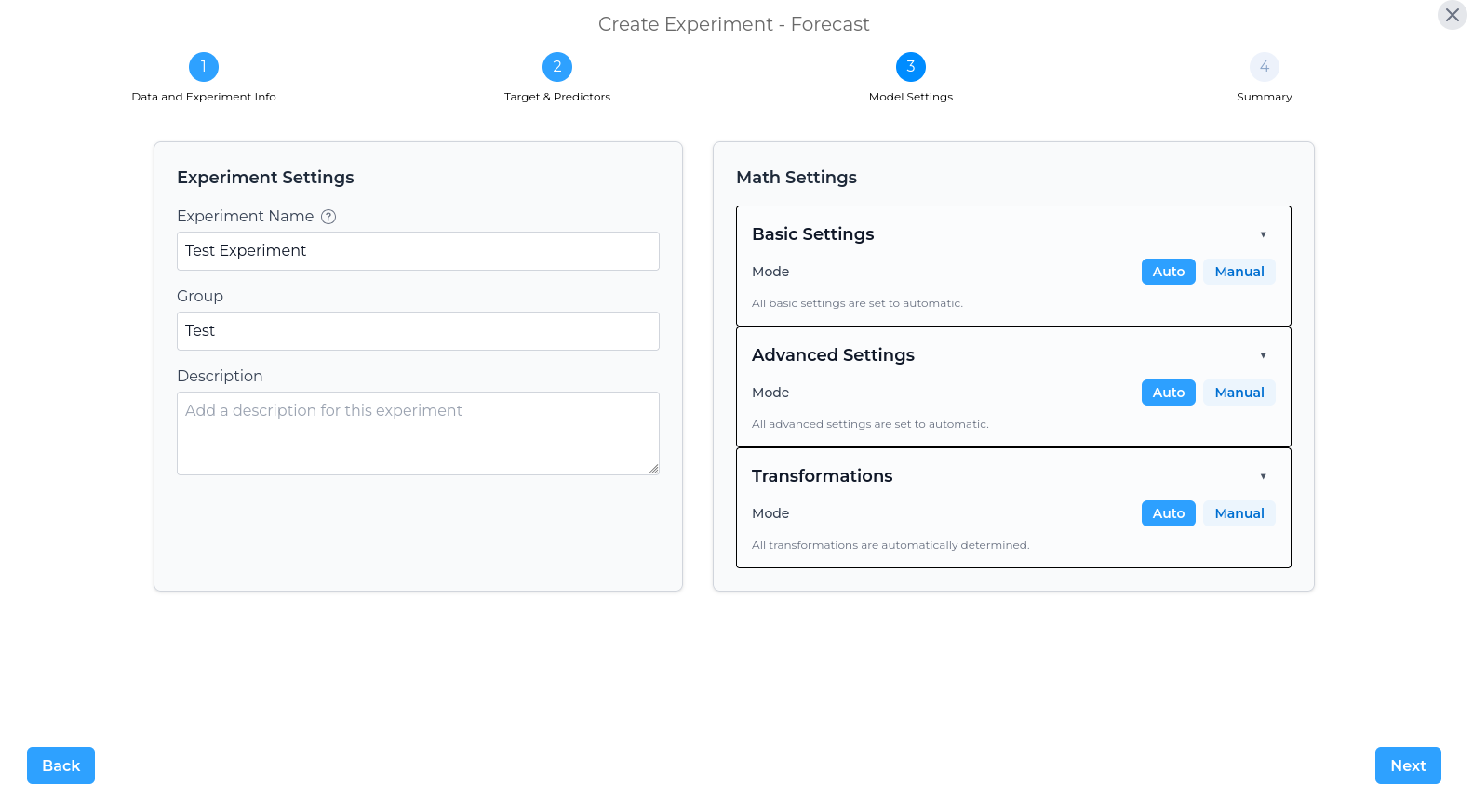
Configure Model Settings
Configure the main settings for the experiment, including the experiment name, group, and description. This page also allows you to adjust the math settings used for the experiment.
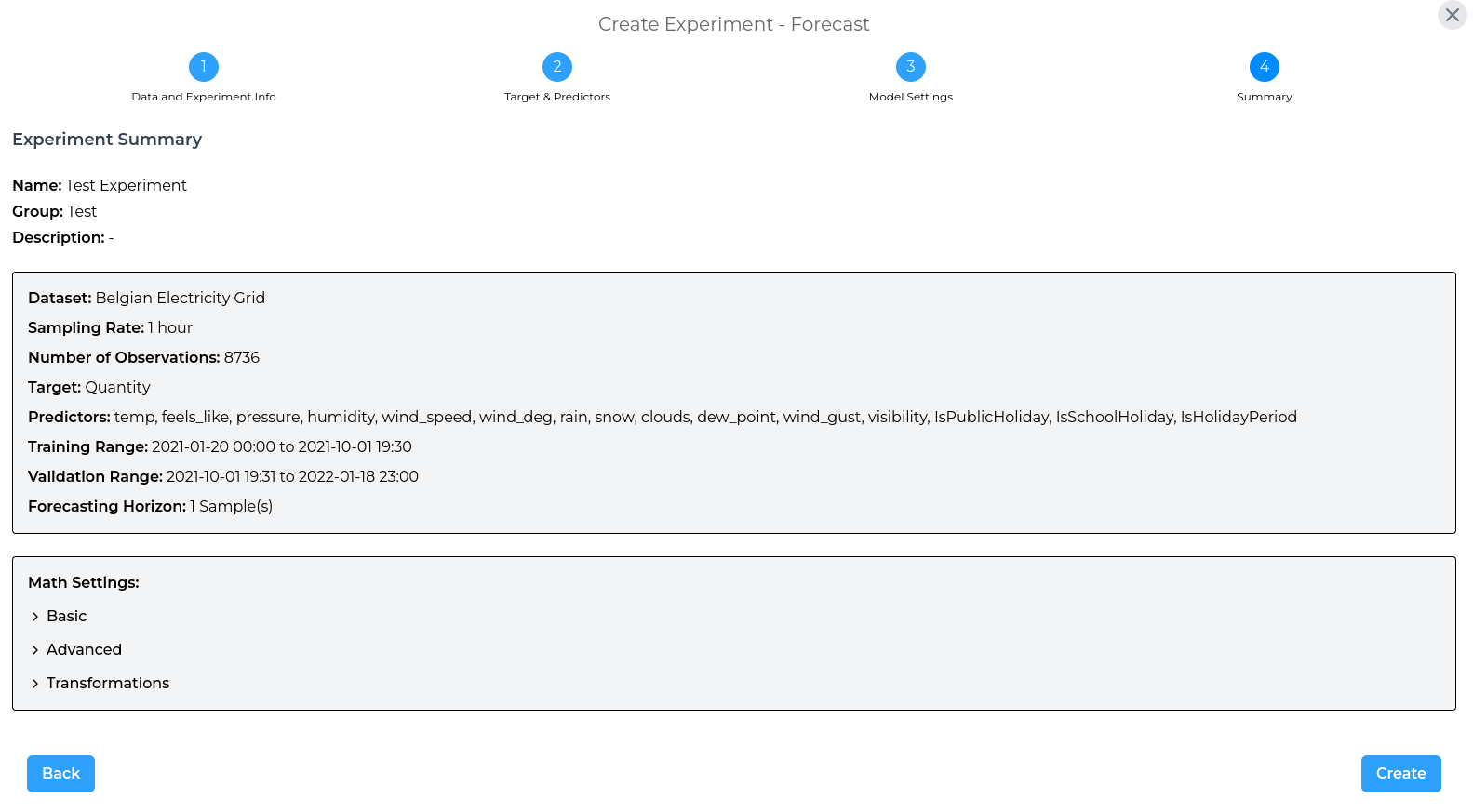
Experiment Summary
Finally, review the experiment summary before creating the experiment. This summary gives you an opportunity to check the selected dataset, configuration, and settings before the model is created.